Track multiple jobs
Record employee name, employer, date, shift times, unpaid breaks, hourly rate, notes, and tags.
 Clock In
Desktop work-hours tracker
Clock In is a straightforward desktop app for workers who want to track hours across one or more jobs, estimate gross pay, and compare recorded hours against payslips.

Built for real shift tracking
Record employee name, employer, date, shift times, unpaid breaks, hourly rate, notes, and tags.
Assign pay-period start and end dates to shifts, then group them by employer for payroll checks.
Compare app-recorded hours and gross estimates against payslip hours and gross pay.
Use reconciliation states like Unchecked, Matched, Difference found, and Paid.
Export CSV, visible rows, HTML reports, PDF reports, and Excel workbooks.
Your work records stay on your own computer, with backup options to help protect your data.
Screenshots
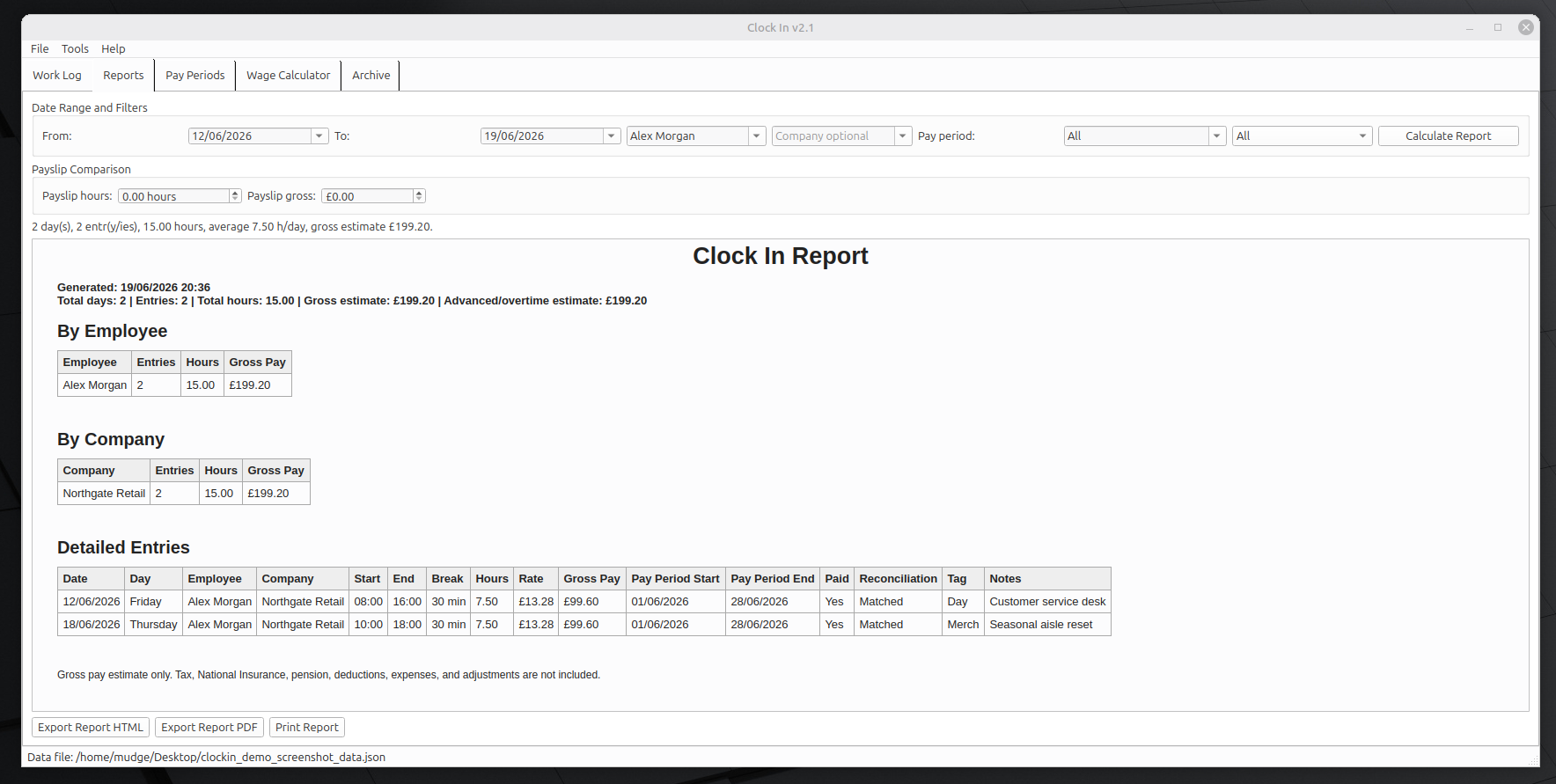
Current build
The AppImage is for Linux x86_64 systems. It bundles the app runtime, so Python, PyQt6, and openpyxl do not need to be installed separately. Most modern Linux desktops can run it directly after marking it executable; systems without FUSE may need AppImage extraction mode.